Busy counters
Manual totals and repeated entry add extra steps when customers are waiting.
Simplify counter billing and keep daily sales organized with Menu Zyka.
From bakeries and juice bars to ice cream parlours and sweet shops, Menu Zyka's POS billing software helps small counter-service businesses generate bills, manage item variations, record payments, and review daily business performance through a connected billing workflow.
Whether you need practical counter billing software for everyday transactions or a digital business billing system to keep sales records organized, Menu Zyka helps your team manage routine billing tasks with greater clarity and less dependence on manual processes.
Includes illustrative 5% tax.
No real order, print job or payment is sent.
Illustrative dashboard and workflow. Sample figures only.
POS billing software helps businesses record customer purchases, calculate bills, process payments, and maintain transaction records through a digital point-of-sale system.
Menu Zyka's POS billing software is designed for small counters and food businesses that need a practical way to manage everyday sales. It supports bill generation, item sizes and add-ons, configurable taxes and service charges, multiple payment modes, staff access controls, and end-of-day analytics.
Whether you sell baked goods, desserts, fresh juices, or sweets, Menu Zyka brings essential billing activities into a more organized workflow—a digital alternative to managing every transaction through manual calculations and paper records.
Manual totals and repeated entry add extra steps when customers are waiting.
Every variation needs to be represented clearly on the customer's bill.
Consistent settings help staff apply the relevant charges at the counter.
Different payment methods can make daily reconciliation harder to follow.
Cashiers and managers need access suited to their responsibilities.
Finding bills and reviewing daily sales takes longer when records are scattered.
Two connected parts of a more organized service.
Handle products, quantities and supported options with the configured taxes, discounts and service charges applied.
Give the preparation team a printed ticket with item quantities and notes, while keeping customer billing organized.
1 × Filter coffee
1 × Veg sandwich
Menu Zyka brings essential counter-billing tools together to help your team handle transactions and review business activity more efficiently.
Generate customer bills through a digital point-of-sale workflow designed for everyday counter transactions.
Record payments using the payment methods supported in your billing setup.
Bill products with different sizes and additional options.
Apply tax and service-charge settings according to your billing requirements.
View available live KOTs, including dine-in and takeaway tickets, from the dashboard.
Assign billing access according to your team's responsibilities.
Review sales activity and export available reports in Excel or PDF formats.
Access earlier bill records when a transaction needs to be reviewed or reprinted.
Bring items, options and bill calculations together so staff can follow a consistent process.
Keep a clearer record of how each bill was paid across your supported payment modes.
Review sales activity, look up transactions and use the available reports to understand your day.
Configure your products and billing settings to match the needs of your business.
Add the products being purchased, including applicable sizes or add-ons.
Prepare the bill with configured tax and service-charge rules applied as appropriate.
Select the supported payment mode and complete the billing workflow.
Use end-of-day analytics to review business activity and access previous bills through the available history.
A practical billing workflow for small food outlets and other counter-service businesses.

Manage counter sales for breads, cakes, pastries, and other baked products with a digital billing workflow.

Handle transactions for different serving sizes and add-on options while keeping counter billing organized.

Manage everyday juice and beverage sales with billing options suited to products that may have different sizes or extras.
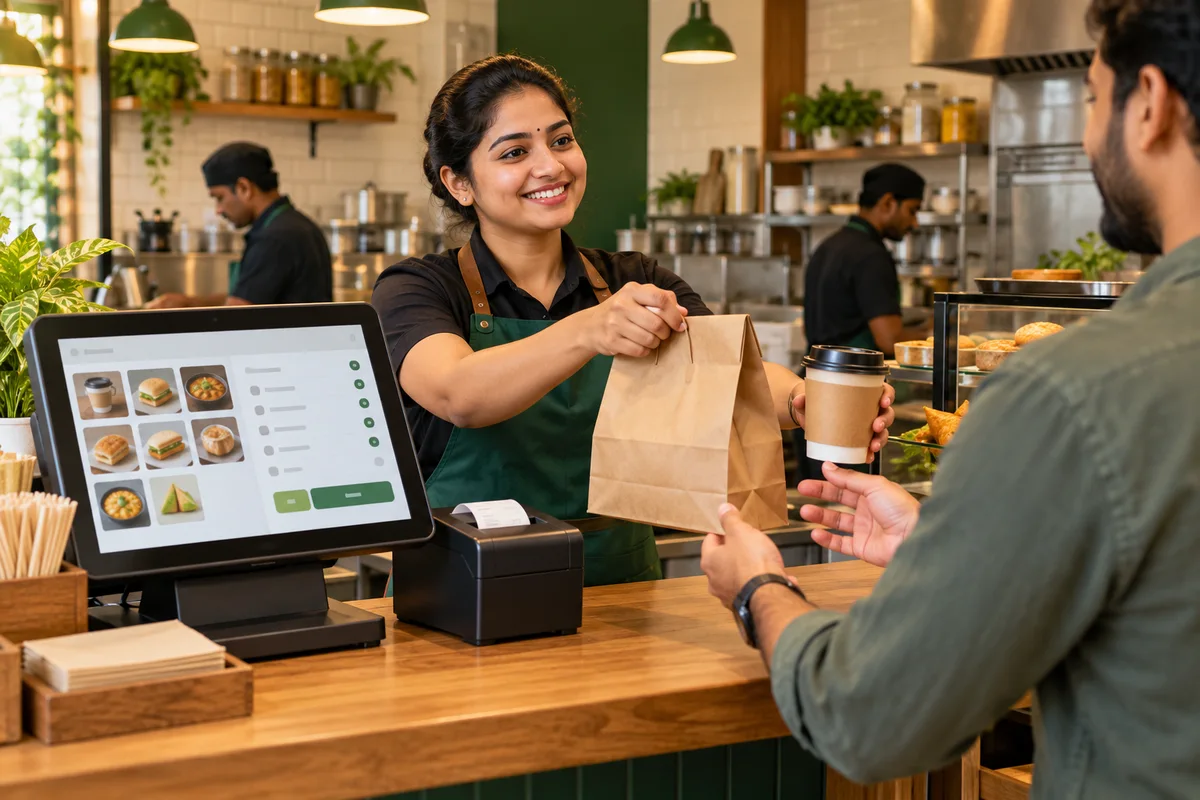
Generate bills for regular counter purchases and maintain accessible transaction records for daily operations.
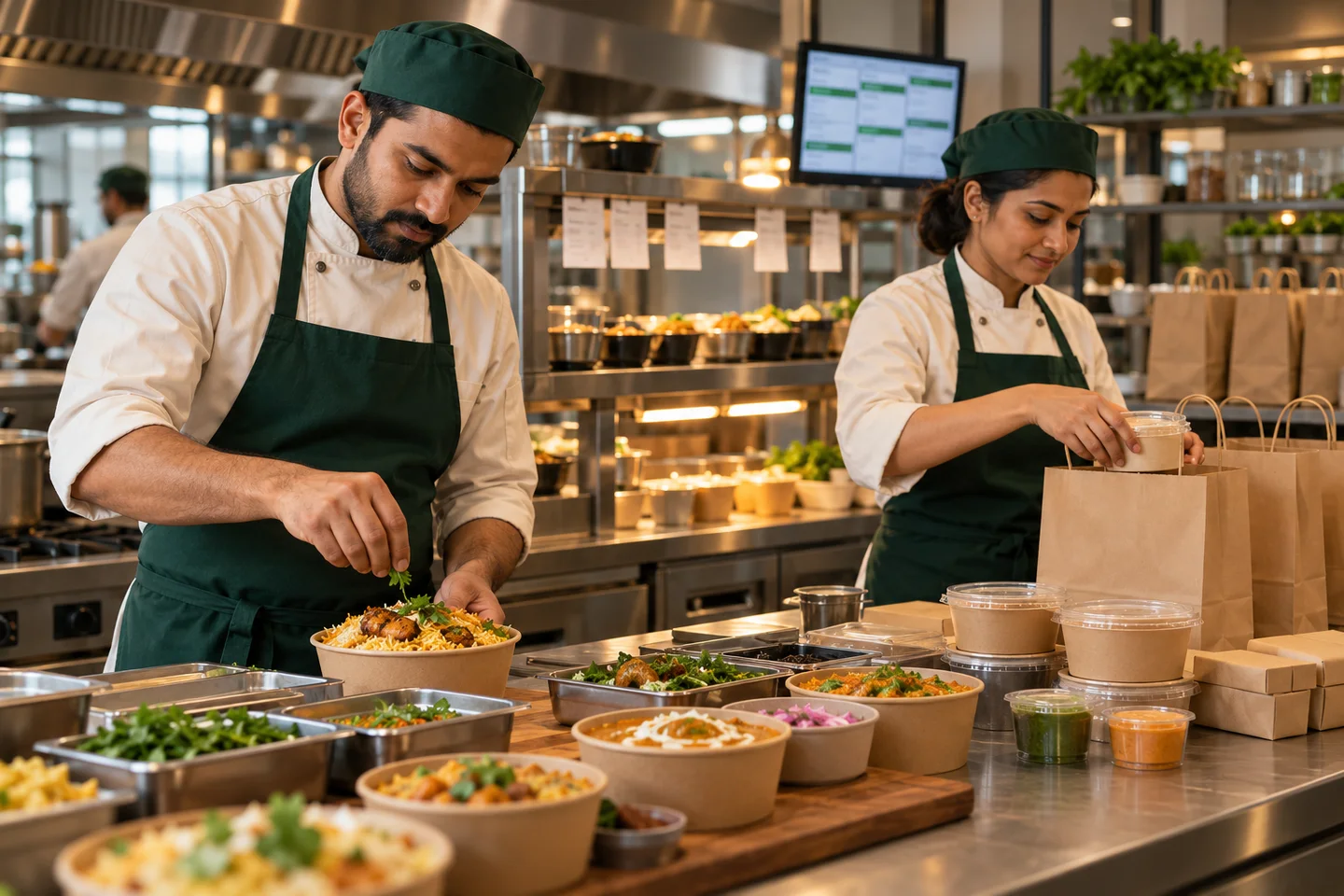
Menu Zyka's POS Billing solution can also suit businesses that need digital bill generation, configurable charges, payment recording, and daily sales visibility.
Find the details that matter for your counter.
POS billing software is a digital system used to generate bills, calculate transaction totals, record payments and maintain sales records through a structured point-of-sale workflow.
Menu Zyka POS Billing is designed for counter-service businesses such as bakeries, ice cream parlours, juice bars and sweet shops that need digital billing and daily sales visibility.
Yes. POS Billing supports item sizes and add-ons, helping businesses bill products with different options.
Yes. Menu Zyka supports multiple payment modes for recording customer transactions. Available options depend on the configured billing setup.
Menu Zyka supports configurable tax and service-charge settings to accommodate relevant billing requirements.
Role-based access controls help you assign system permissions according to staff responsibilities.
End-of-day analytics help you review daily business activity. Available metrics and report exports depend on your setup.
Bill reprint history lets you access earlier bill records when you need to revisit or reprint a transaction.
The solution is designed for counter-service operations, including bakeries, juice bars, ice cream parlours and sweet shops. The right configuration depends on your business's billing and operational needs.
Request a demonstration and discuss the billing setup that fits your business with the Menu Zyka team.
Your counter is where orders become completed sales. Give your team a more organized way to generate bills, handle product options, record payments, and review daily business activity. Menu Zyka POS Billing brings these essential tasks into one practical billing workflow.
A demo around your business.