One Connected Restaurant Platform — From Guest Order to Kitchen, Billing and Inventory
Menu Zyka brings restaurant ordering, POS billing, kitchen operations, reservations, inventory management, reporting and staff workflows into one connected restaurant platform.
From the moment a guest explores the menu to order preparation, payment and business reporting, discover restaurant management tools designed to support different parts of your daily operations.
Explore the features.
Find your workflow.
Explore the features that help restaurants manage guest ordering, service workflows, kitchen coordination and business operations.
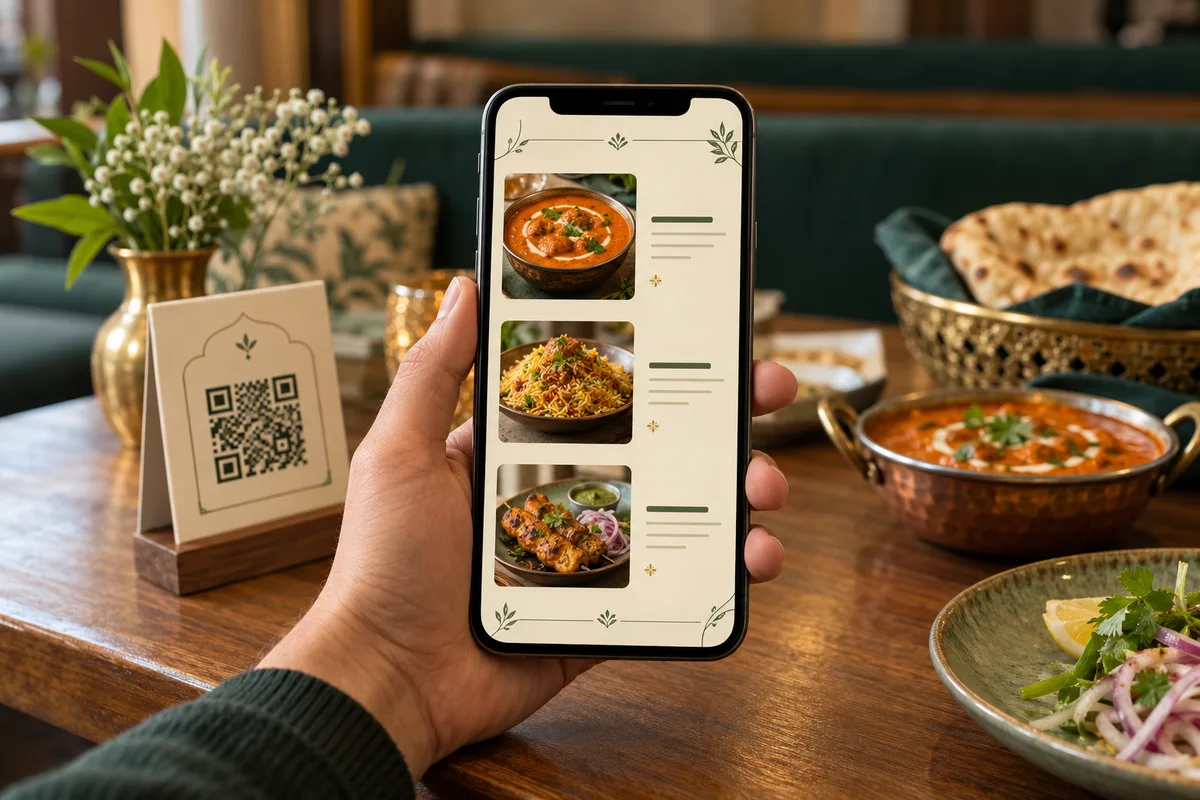
Digital QR Menu
Give guests a convenient way to explore your menu on their smartphones without downloading an app. Menu Zyka's Digital QR Menu presents dishes, prices and supported menu information in a mobile-friendly format.
Key features:
- QR-code menu access without an app download
- Menu categories, prices and food images
- Veg, Non-Veg, Vegan and Egg indicators
- Item availability and out-of-stock status
- Supported multilingual menu content
- Restaurant branding, banners and promotions
Smart Dine-In Ordering
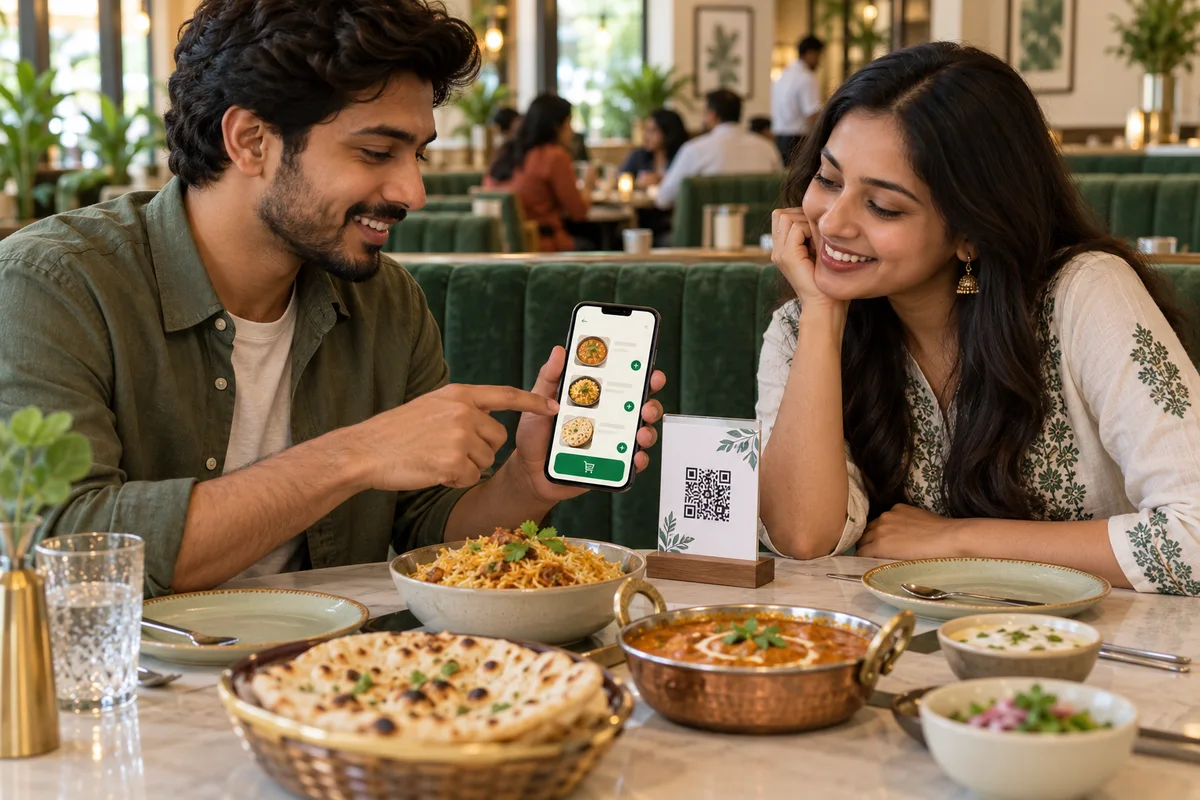
Let guests place orders through table-specific QR codes or allow captains to assist with ordering. Smart Dine-In POS supports a shared table cart and bill, repeat ordering and a connected dine-in workflow.
Key features:
- Table-specific QR ordering
- Additional and repeat orders
- Item variants, customisations and add-ons
- Notes and special instructions
- Table-status visibility
- Captain-assisted ordering
POS Billing
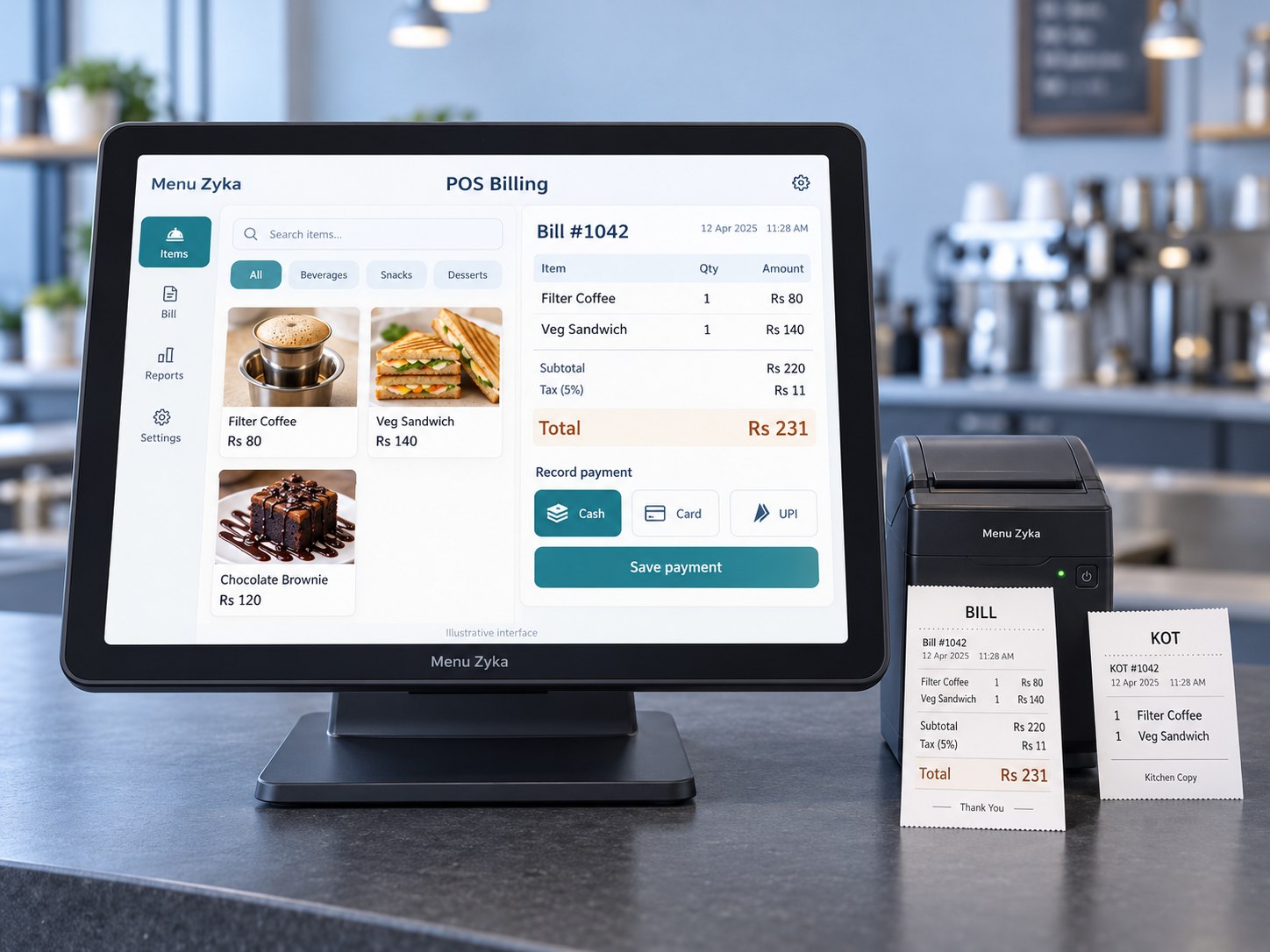
Support restaurant billing workflows with tools for generating bills, handling payments and managing relevant adjustments. Available capabilities depend on the selected POS product.
Key features, subject to product availability:
- Bill generation and reprinting
- Dine-in, pickup and delivery order modes
- Split bills and multiple payment methods
- Discounts, taxes and service charges
- Payment correction, void and refund workflows
- Printable and shareable digital bills
- Configurable payment requirements
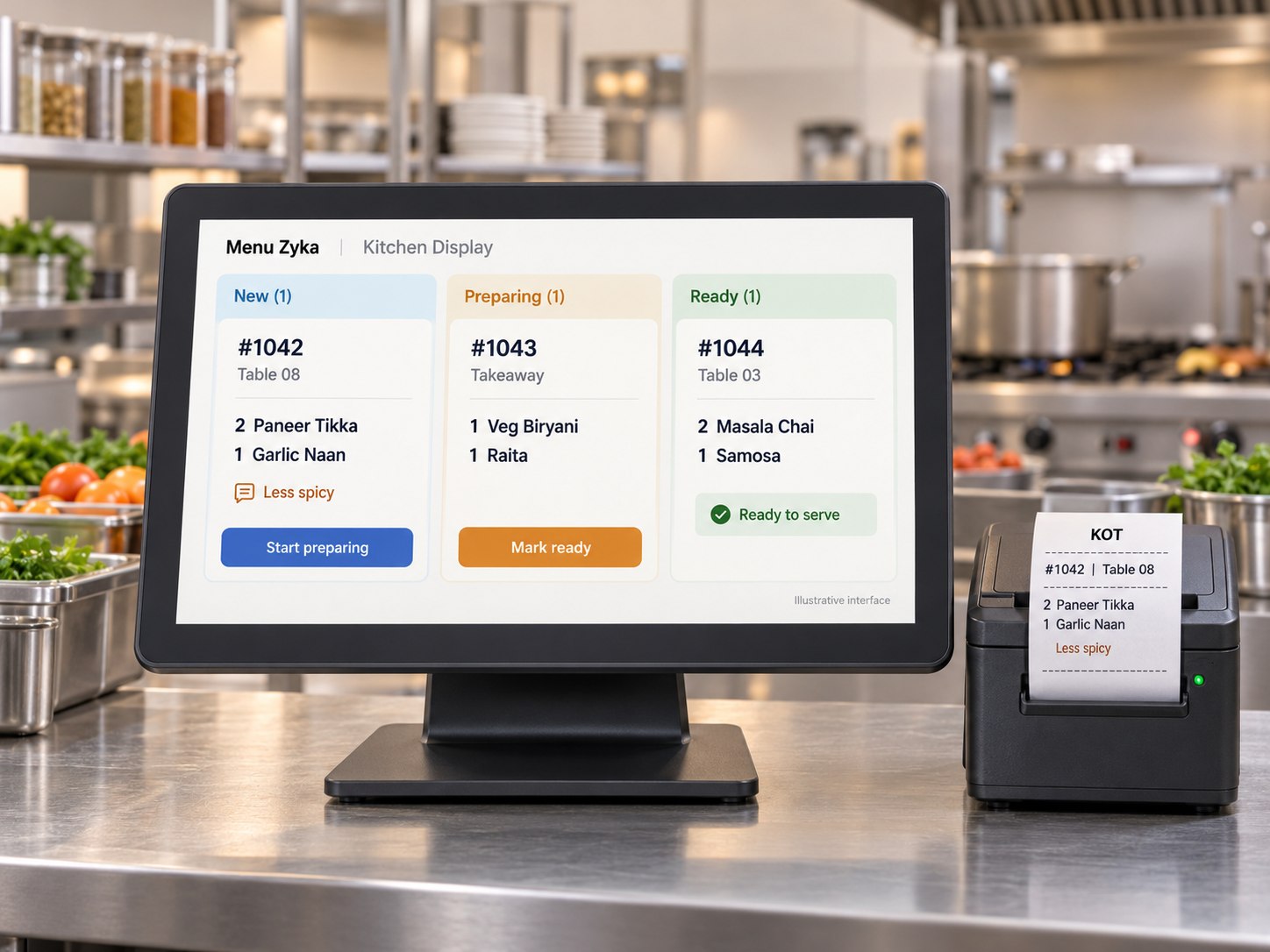
Kitchen Management & KOT
Give kitchen teams a structured way to review incoming orders and follow their preparation stages. A kitchen display workflow can help staff see order progress and access relevant preparation information.
Key features, subject to product availability:
- New, Accepted, Preparing and Ready stages
- Kitchen station routing
- Category- and item-based station assignment
- Kitchen Order Ticket (KOT) printing
- Preparation-time visibility
- Cancellation and completed-order history
- Order-status synchronisation
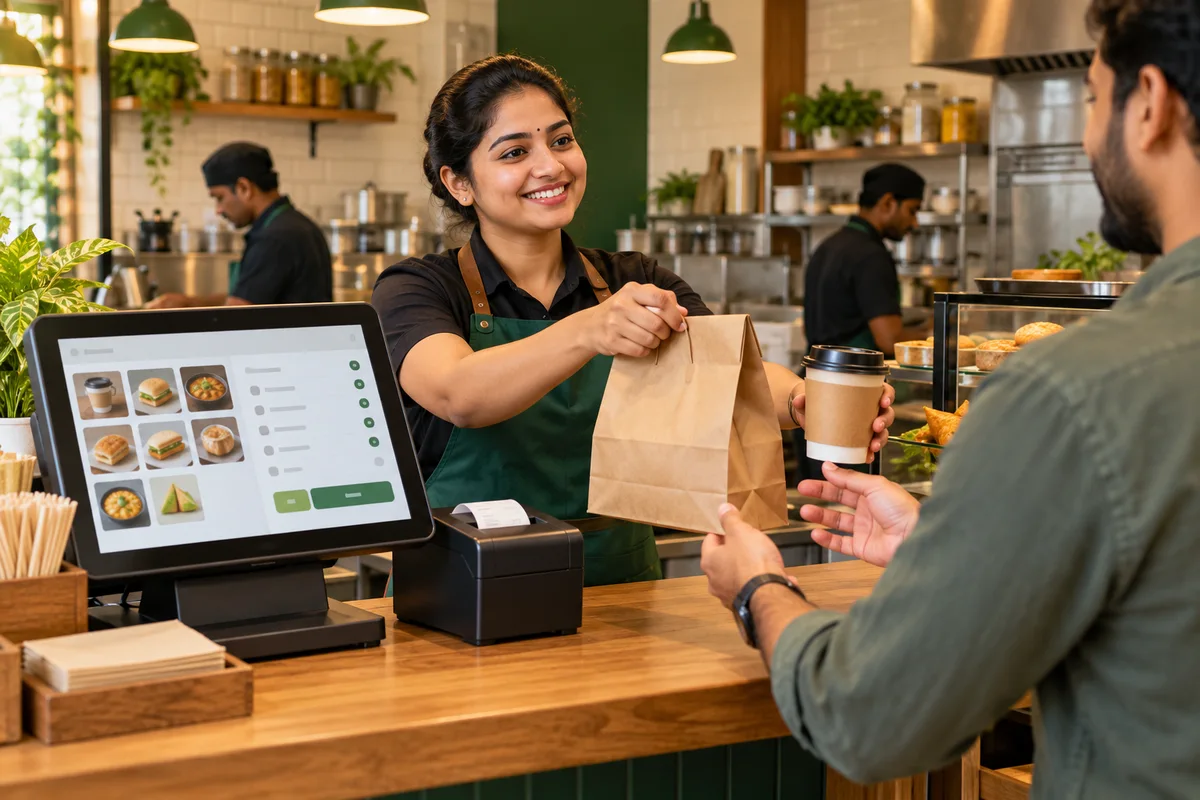
Takeaway & Pickup Operations
Support takeaway operations with a dedicated workflow for receiving orders, coordinating preparation and managing pickup. Keep order progress visible to the staff responsible for fulfilment.
Key features:
- Takeaway order creation
- Order queue management
- Preparation and pickup status tracking
- Takeaway billing and payment collection
- Order cancellation and history
- Mobile-friendly counter interface
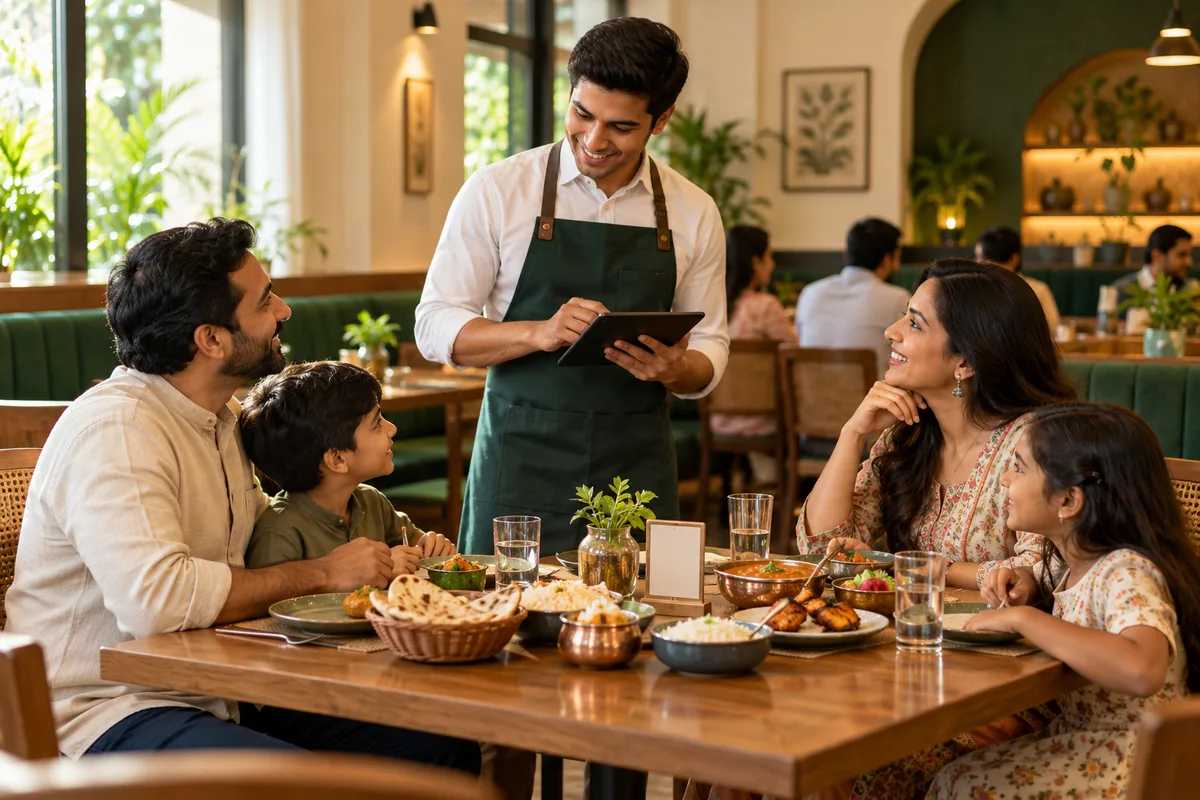
Captain & Waiter Workspace
Support waiter-led restaurant service with a mobile-first workspace for managing assigned tables and recording orders during service.
Key features, subject to product availability:
- Access to assigned tables
- Table-status visibility
- Access to active table orders
- Adding items during service
- Connected POS and KOT workflows
- Admin- and manager-controlled table assignments
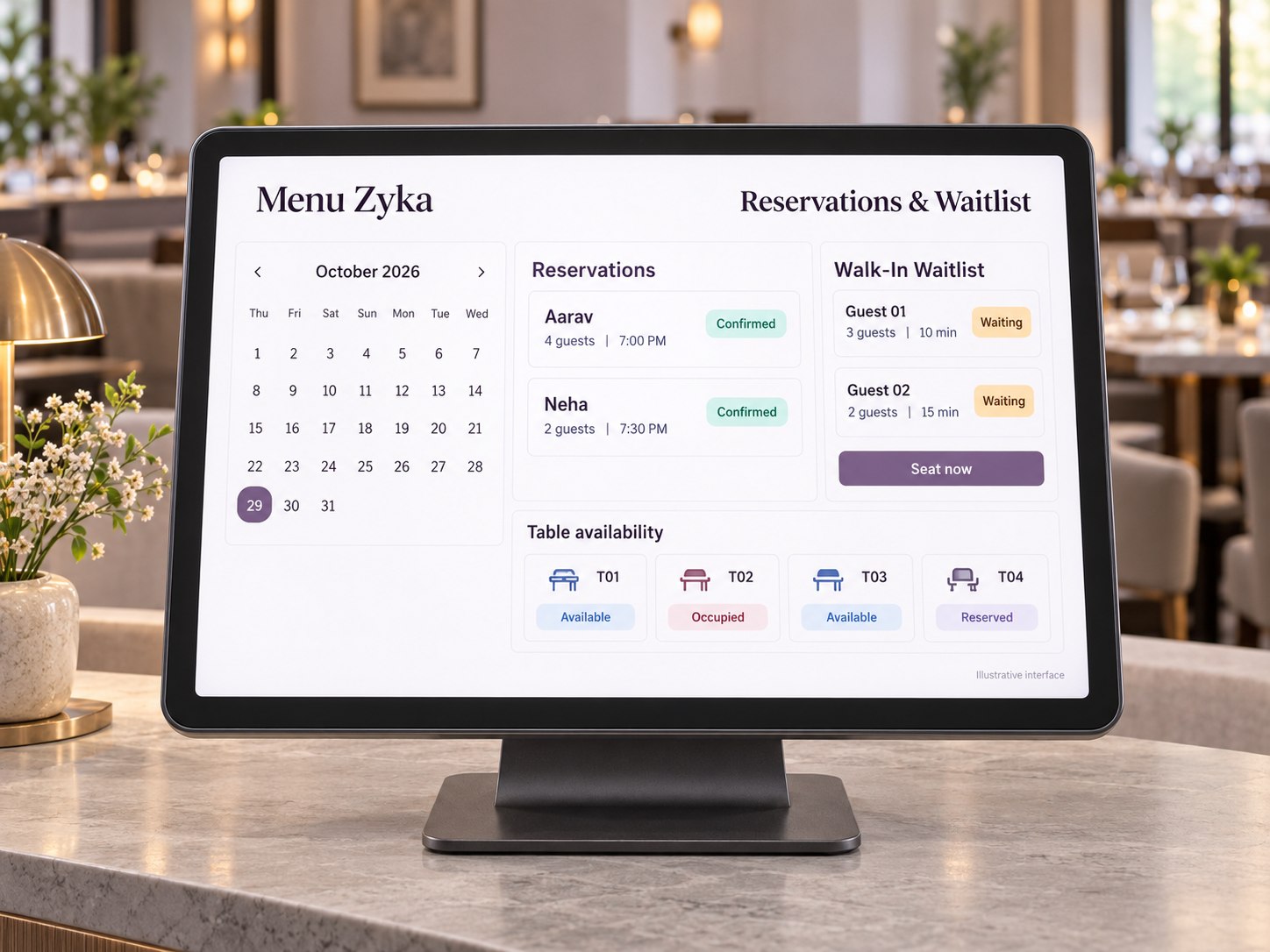
Reservations and Walk-In Waitlist
Manage advance reservations and walk-in queues through a structured workflow, helping staff review bookings and coordinate table availability.
Key features, subject to product availability:
- Advance table reservations
- Capacity-based table recommendations
- Walk-in waitlist management
- Estimated waiting times
- Seat-now workflow
- Check-in, cancellation and no-show tracking
- Reservation deposits and refunds
- SMS and WhatsApp reminders
- Reservation activity history
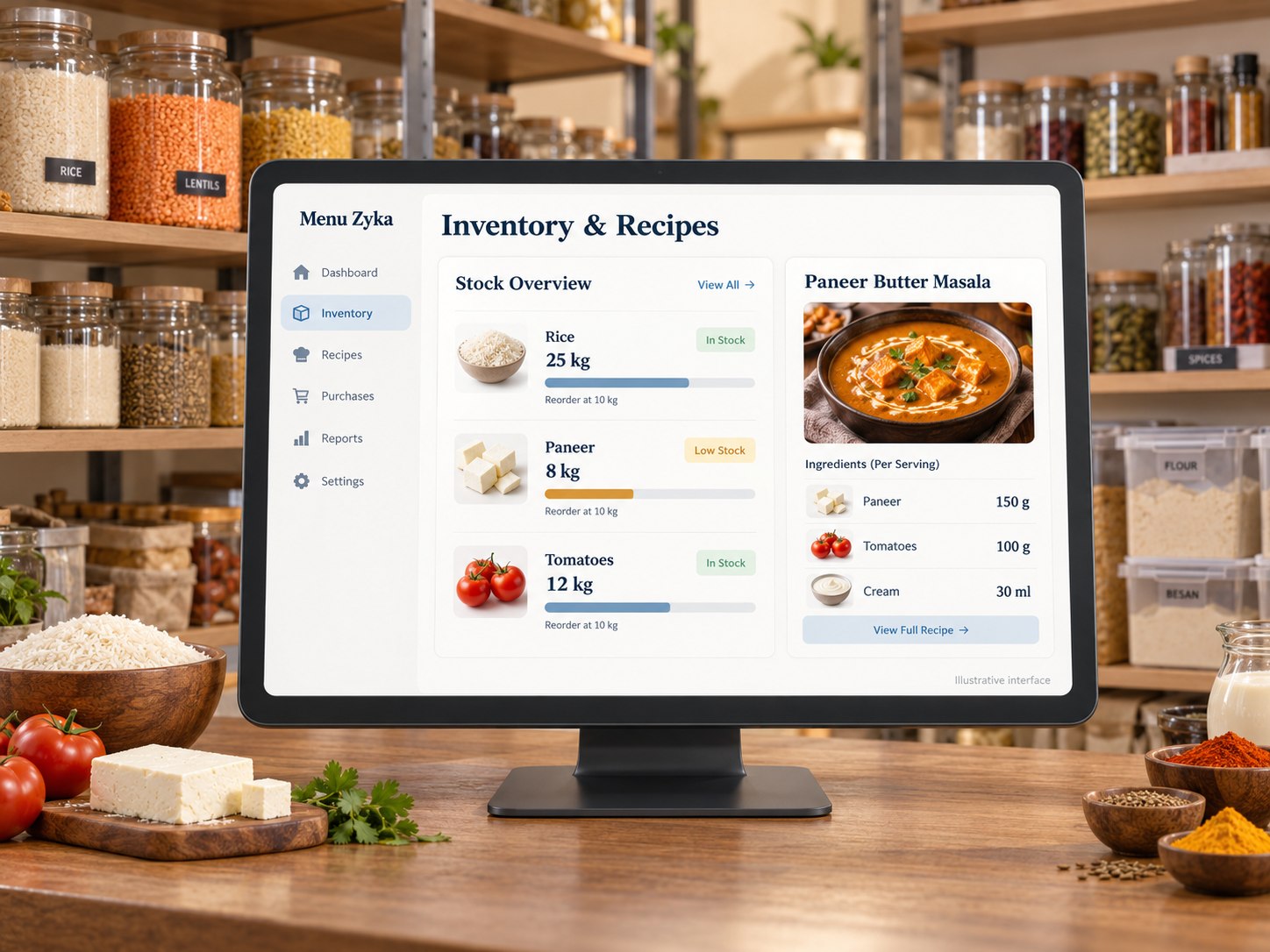
Inventory & Recipe Management
Manage inventory-related workflows from stock records and purchasing to ingredient consumption and wastage. These capabilities can be particularly valuable for restaurants that need closer visibility into stock movement and food costs.
Key features, subject to product availability:
- Stock items and opening stock
- Supplier records and purchase orders
- Goods receiving and quality inspections
- Batch tracking, expiry dates and FEFO support
- Recipe and ingredient-level consumption
- Preparation production, sub-recipes and wastage
- Multi-location inventory and stock transfers
- Barcode scanning and stock labels
- Physical stock counts and reconciliation
- Menu availability updates based on stock
- Low-stock, expiry and unusual-consumption alerts
- Demand forecasting and replenishment recommendations
- Offline inventory recording and synchronisation
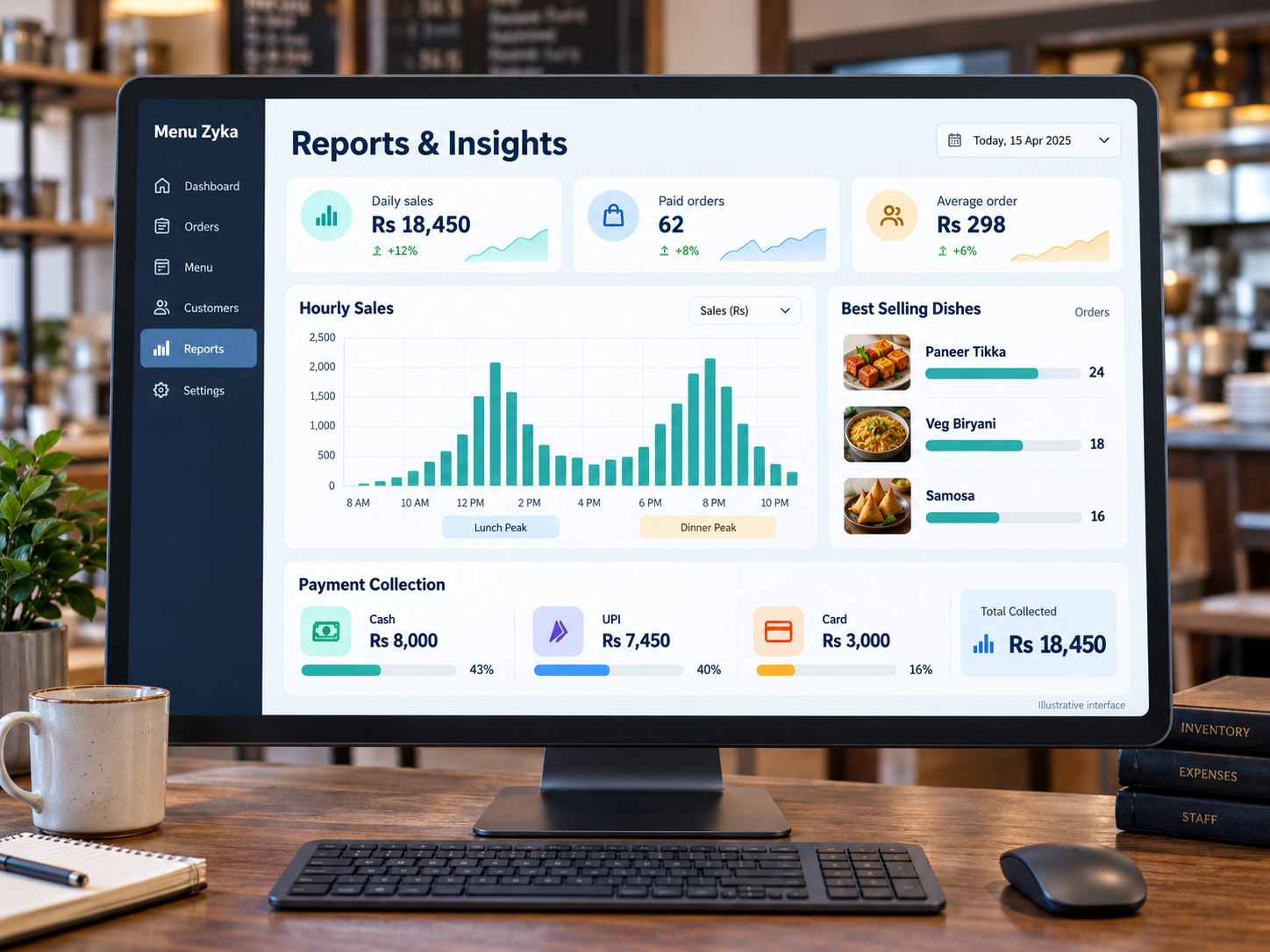
Restaurant Reports and Business Insights
Review supported restaurant activity through reports designed to help businesses examine sales, billing, payments and inventory-related information.
Key features, subject to product availability:
- Daily sales summaries
- Order and billing reports
- Item-wise sales analysis
- Payment collection reports
- Cancellation and refund tracking
- Shift closing and settlement reports
- Inventory valuation and Cost of Goods Sold (COGS)
- Wastage and stock-ageing reports
- Gross profit reconciliation
- CSV and Excel exports
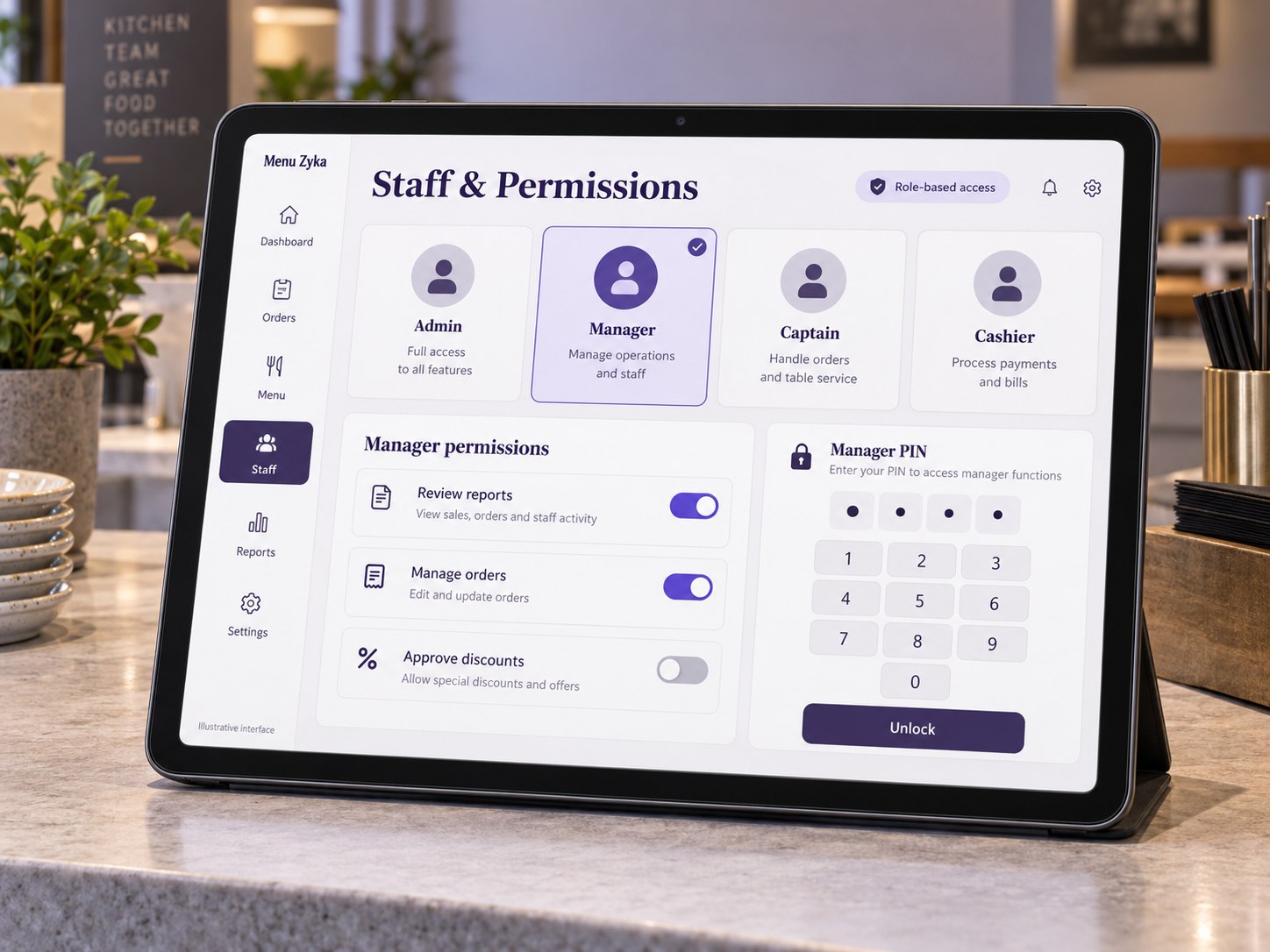
Staff Roles & Access Controls
Organise staff access according to job responsibilities and supported permission settings. Appropriate controls can help businesses manage sensitive actions and review important activity.
Key features, subject to product availability:
- Admin, Manager, Captain and Cashier roles
- Role-based permissions
- Manager approval PIN workflows
- Controls for sensitive actions
- Automatic counter inactivity lock
- Employee PIN unlock
- Session management
- Audit logs for critical actions
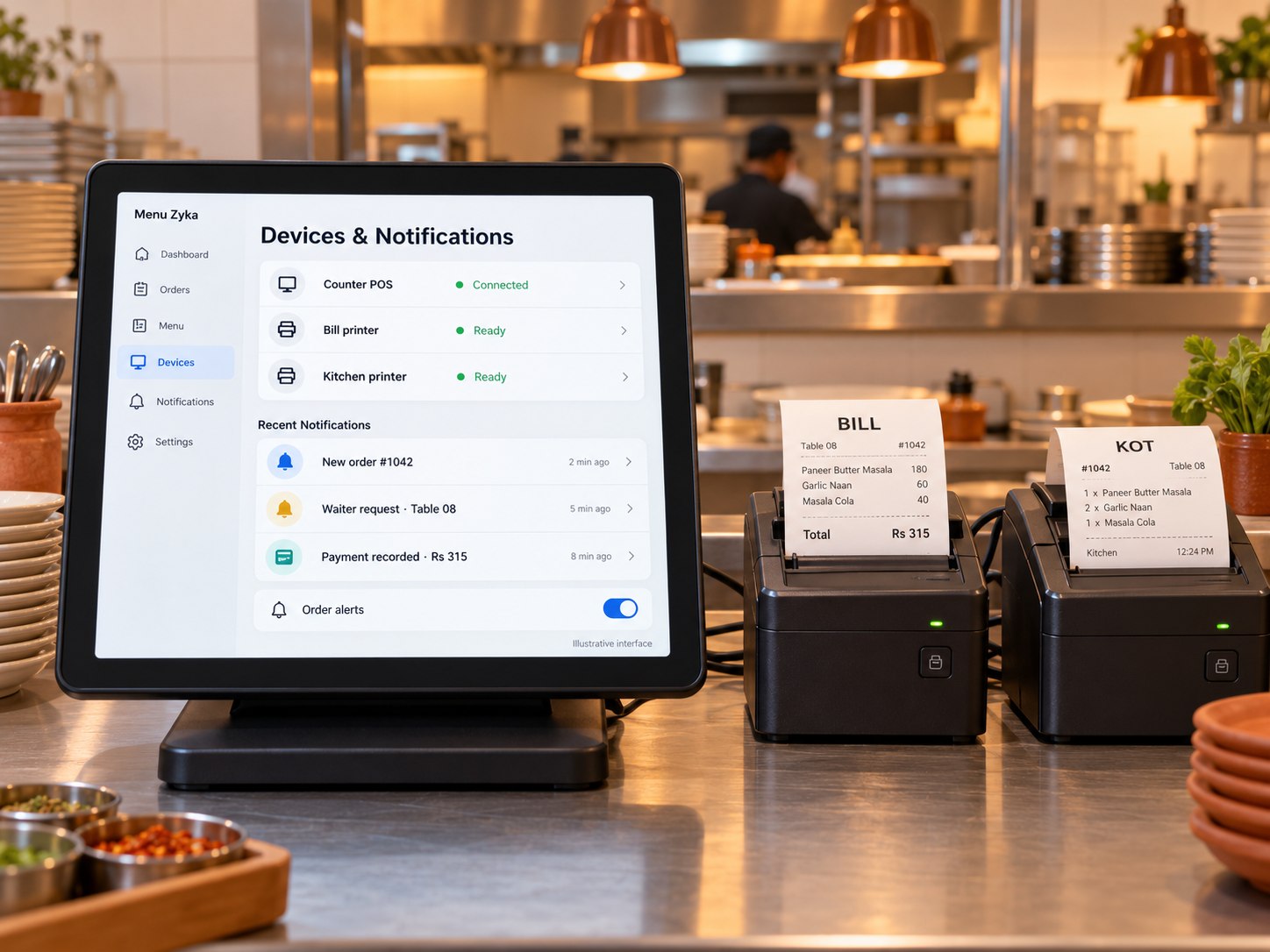
Devices, Printing & Notifications
Manage supported device settings for billing counters and kitchen workflows, helping teams configure printing and notifications around their operational setup.
Key features, subject to product availability:
- Terminal-specific settings
- Billing and KOT printer profiles
- Kitchen station routing configuration
- Device-specific sound notifications
- Separate alerts for orders, waiter requests and payments
- Optional barcode scanner and label printer configuration
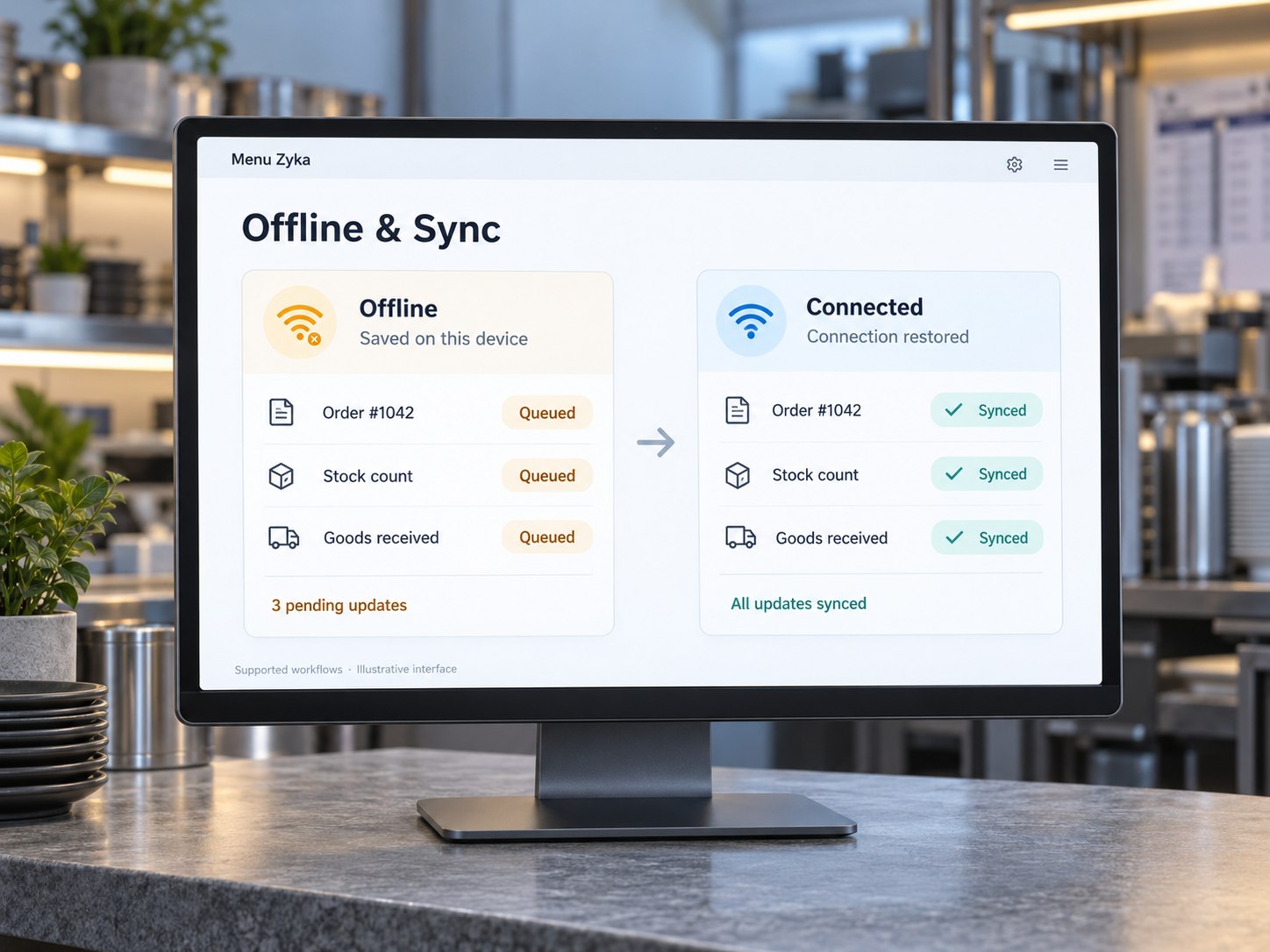
Offline Operations & Synchronisation
Maintain access to supported operational tasks during temporary internet interruptions, with synchronisation when connectivity returns. Offline support can vary by feature and device.
Key features, subject to product availability:
- Offline order queue support
- Offline inventory counting
- Offline receiving and wastage recording
- Synchronisation after reconnection
- Duplicate-request prevention
- Conflict resolution and synchronisation visibility
Language Support
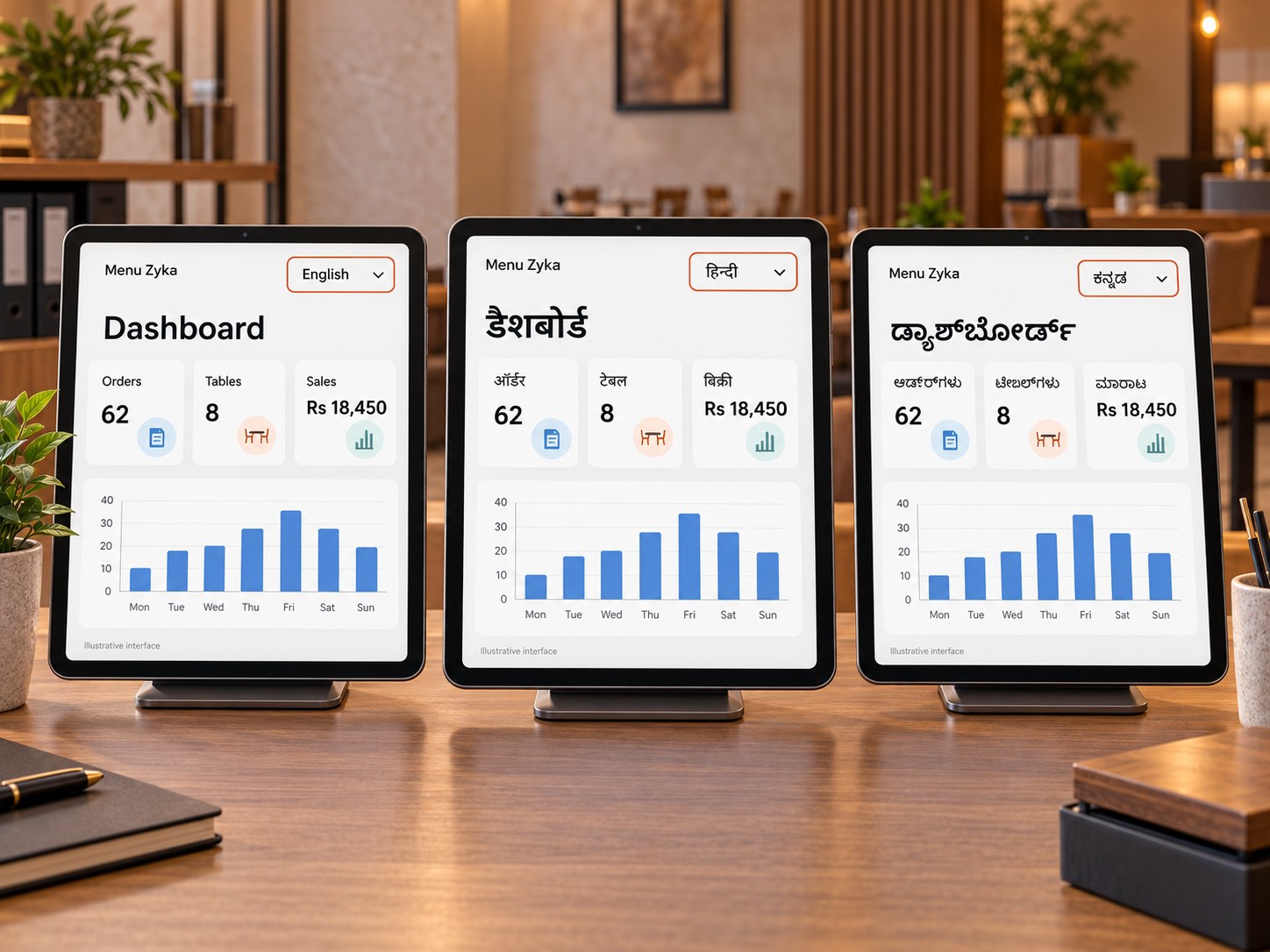
Make supported restaurant workflows easier to use with language options for guests and team members. Menu Zyka's stated language support includes English, Hindi and Kannada, with multilingual menu content and selected restaurant workflows.
Key features:
- Guest-facing digital menu in supported languages
- Restaurant portal language selection
- English, Hindi and Kannada support
- Translated menu categories, dish names and descriptions
- Saved language preferences where supported
- Language switching across supported desktop, tablet and mobile interfaces
- Consistent ordering information across supported workflows
Bring your operations together.
Find the tools that fit.
From digital menu access and dine-in ordering to kitchen coordination, billing and reporting, Menu Zyka brings together tools for different parts of restaurant operations.
Explore the available features and identify the products that fit your business requirements.
See how Menu Zyka can fit your restaurant.
Tell us how your restaurant handles menus, ordering, kitchen coordination and billing. Our team will help you explore the features that match your workflow and arrange a guided demo.- Discuss your service model and operational needs
- Explore menu, ordering, billing and kitchen workflows
- Get a demo tailored to your business requirements
Find the Right Solution for Your Restaurant
Share your details and we'll help you choose the right workflow.