SELECT TABLEChoose a table
Check the floor and seat the guests.
Manage dine-in service with Menu Zyka’s restaurant POS software for waiter-led ordering. Let your waiters take orders digitally, send Kitchen Order Tickets (KOTs) to the kitchen, track table activity, and bring orders together for billing through a connected restaurant workflow.
Designed for restaurants where personal service matters, Menu Zyka helps your team coordinate tables, kitchen orders, reservations, and bills from one organized system.
Check the floor and seat the guests.
Enter items and quantities for the table.
Share order details with the kitchen.
Consolidate the table’s order rounds.
In a dine-in restaurant, every service interaction needs coordination between the floor staff, kitchen, and billing counter. When orders are written manually or passed verbally, keeping track of changes, table activity, and kitchen requests can become difficult during busy hours.
Menu Zyka’s dine-in restaurant management software gives waiters a digital workflow for recording guest orders and sending them to the kitchen through KOT. Your team can monitor table status, manage reservations, and bring multiple order tickets together for billing.
From premium family restaurants to fine-dining establishments and hotel dining rooms, Menu Zyka supports a more structured approach to traditional waiter-led service.
Staff need to know which tables are available, occupied, or unavailable for service. Without a clear floor view, coordinating seating and table turnover can become more difficult.
Handwritten notes and verbal communication can make order details harder to track. A digital KOT workflow helps staff communicate order information to the kitchen staff through the restaurant system.
Guests may order starters, main courses, desserts, and drinks at different times. Keeping multiple order tickets organized and preparing one final bill can become complicated without a structured process.
Advance bookings need to be reflected in table availability. Staff also need a clear record of relevant order cancellations and rejections to review what happened during service.
Give waiters a digital way to record guest orders and send them to the kitchen through KOT. Use colour-coded table statuses to monitor dining-room activity, manage reservations, and consolidate multiple KOTs into a single bill when required.
Available · Occupied · Reserved · Maintenance
Manage takeaway orders through the connected POS workflow, from order acceptance and preparation to readiness and collection. Supported features include KOT routing, preparation-time estimates, minimum order requirements, packaging charges, and future pickup scheduling.
Use a visual floor-management interface to distinguish empty, occupied, and maintenance tables, helping staff understand table availability at a glance.
Send waiter-entered orders to the kitchen through KOT, keeping order details within the connected restaurant workflow.
Manage multiple KOTs associated with a dining session and consolidate them into a single bill when the guest is ready to settle.
Handle takeaway orders through a structured order lifecycle, including Pending, Accepted, Preparing, Ready, and Collected. Use supported preparation-time estimates, packaging charges, and pickup scheduling to organize takeaway operations.
Configure your menu and dining-area tables in Menu Zyka so your staff can select the relevant table and items while taking orders.
Your waiter selects the table, enters the guest’s order digitally, and submits it through the POS workflow.
The order is sent through the configured KOT workflow, allowing kitchen staff to receive the relevant preparation details.
As guests place additional orders, staff can manage the associated KOTs within the dining session and combine them into one bill when required.
Support a structured service experience with waiter-led ordering, table visibility, and organized order management.
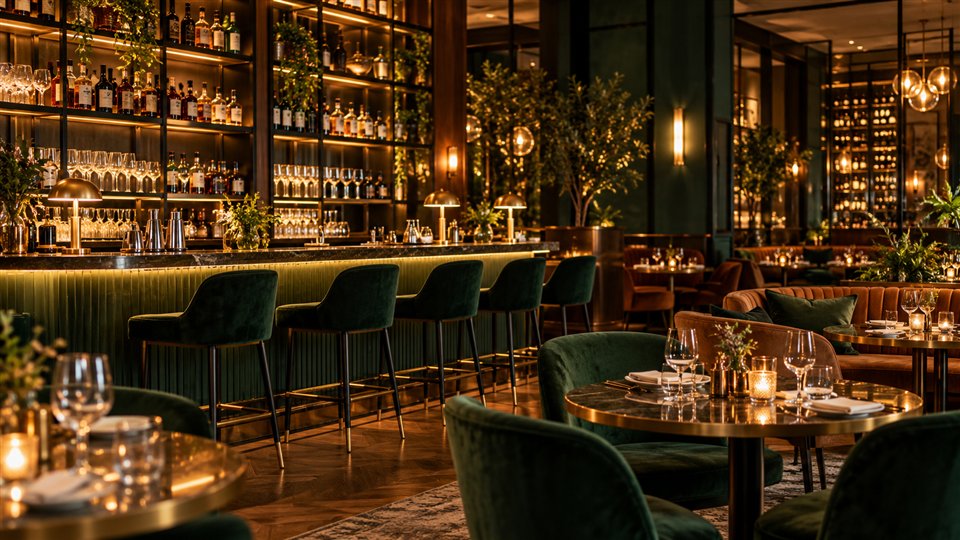
Explore solutions for Fine-Dining Restaurants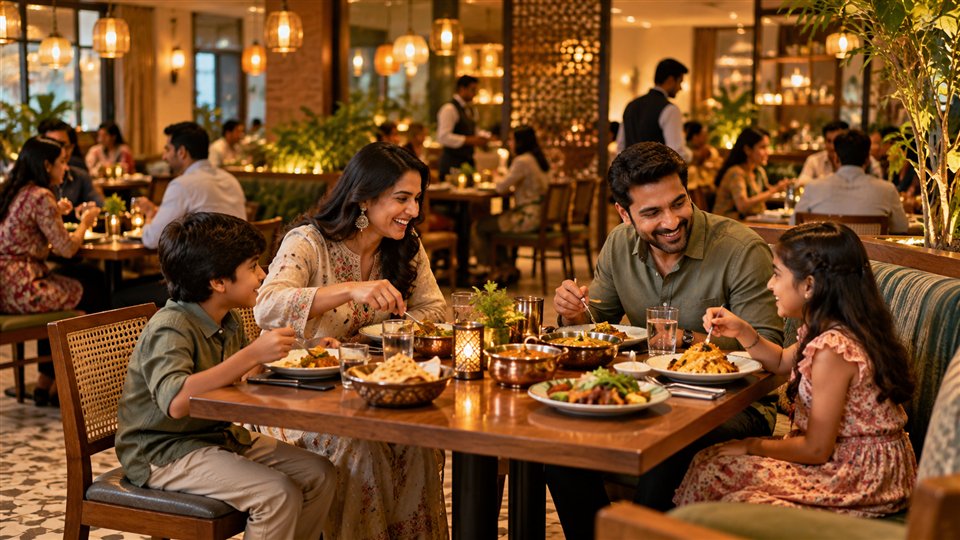
Manage orders for families and groups, including additional orders during a meal and consolidation of multiple KOTs into one bill.
Explore solutions for Premium Family Restaurants
Coordinate dining-room activity, waiter orders, kitchen tickets, and reservations through a connected POS workflow.
Explore solutions for Hotel Dining Rooms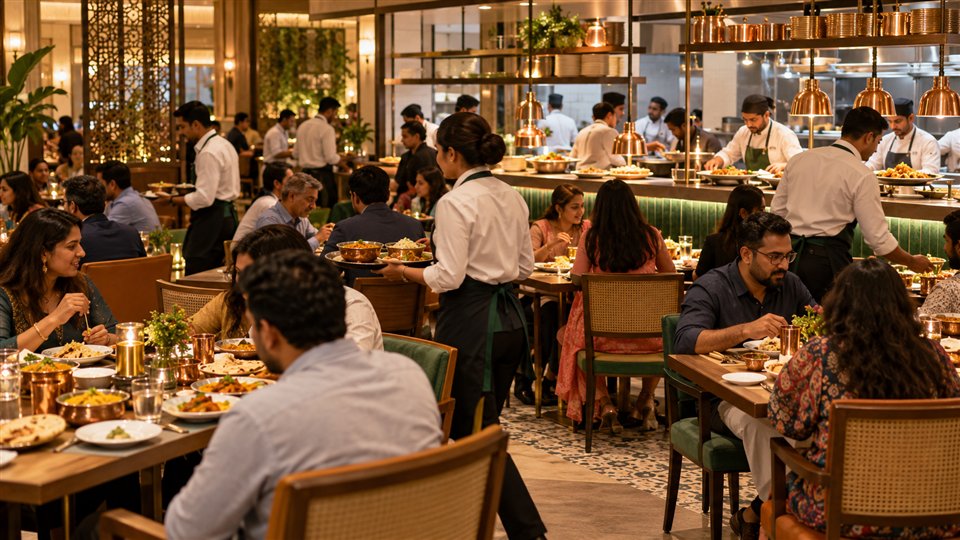
Bring dine-in and takeaway workflows into the same POS environment, helping staff distinguish table orders from orders awaiting pickup.
Explore solutions for Full-Service Restaurants with TakeawayAnswers about waiter orders, table management, KOTs, billing, and takeaway.
Dine-in POS software helps restaurants manage waiter-entered orders, table activity, kitchen order tickets, and billing through a digital point-of-sale workflow. Menu Zyka also supports takeaway order management through its relevant workflow.
Yes. Menu Zyka supports takeaway order management alongside waiter-led dine-in operations, allowing restaurants to handle both service types through the connected POS workflow.
Waiters select the relevant table, record the guest’s order digitally, and submit it through the POS workflow. The order can then be sent to the kitchen through the configured KOT process.
Yes. The supported takeaway order lifecycle includes Pending, Accepted, Preparing, Ready, and Collected, helping your team monitor order progress.
Yes. The takeaway workflow supports future pickup scheduling, allowing customers to request collection at a later time.
Yes. Menu Zyka’s takeaway workflow supports minimum order requirements and packaging charges according to the configured setup.
Yes. Menu Zyka’s Traditional Dine-In POS supports consolidating multiple KOTs associated with a dining session into one bill.
Yes. The Dine-In POS supports colour-coded table statuses and reservations, helping staff manage dining-room availability and upcoming bookings.
Yes. Menu Zyka is suitable for restaurants that use waiter-led ordering for seated guests and also accept takeaway orders. The connected workflow helps teams manage the relevant order types within their configured system.
Bring waiter-led ordering, table management, kitchen tickets, billing, and takeaway order management into a connected workflow with Menu Zyka Dine-In POS.
Give your team a clearer way to manage seated guests and takeaway orders while keeping kitchen preparation and service activities organized.
See dine-in and takeaway orders move through the same system.
Explore a waiter-entered table order and a takeaway pickup moving through the POS, kitchen, and billing workflow.